
 DecorAIAI Room Makeover
DecorAI: AI Room Makeover App
DecorAI is an AI room makeover app that lets you upload a photo of your room and instantly generate realistic before and after interior design ideas.

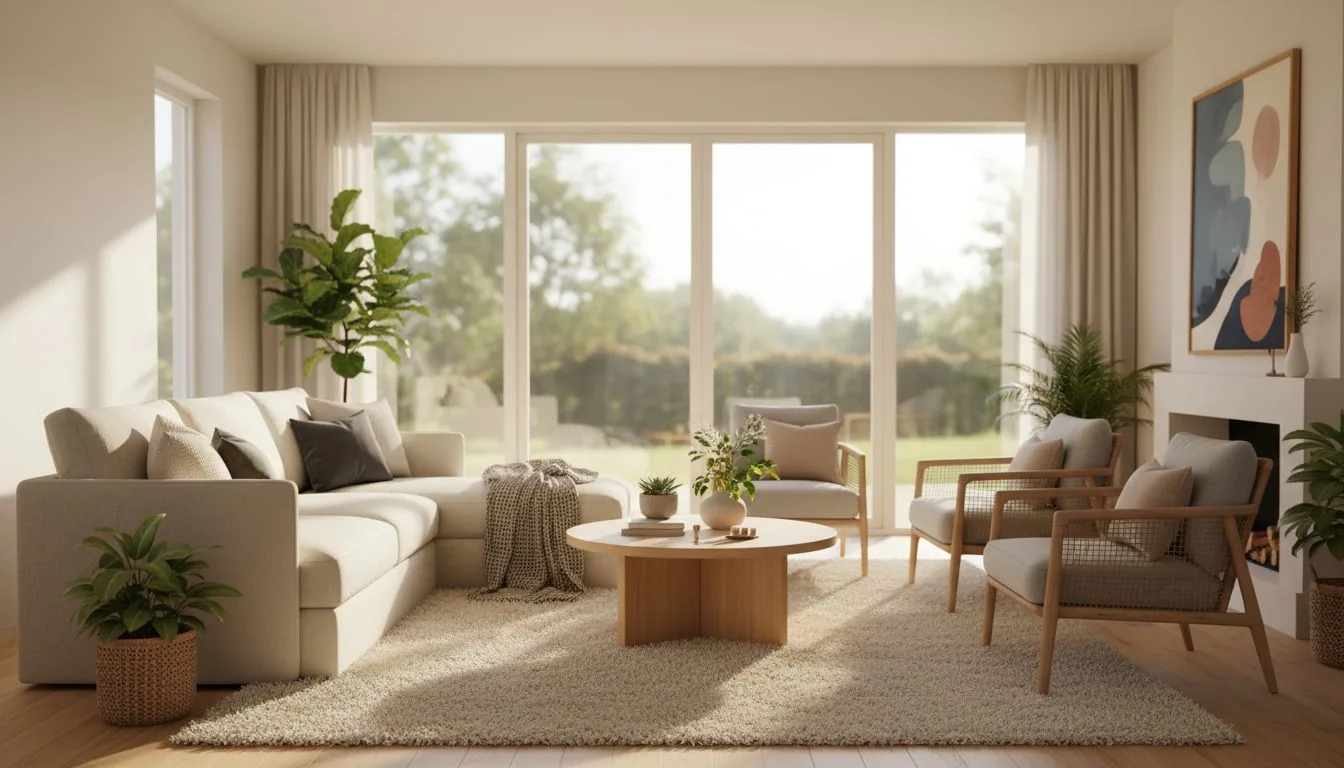
Transform Your Room
In Seconds
See the transformation
Watch how the AI room makeover app transforms ordinary spaces into beautiful, styled rooms in seconds.
Why choose an AI room makeover app?
An AI room makeover app gives you instant design ideas without the cost of hiring a designer. You can try dozens of looks in minutes and see exactly how your room will look before you spend money on furniture or paint.
Fast Results
Traditional designers take weeks. Our room makeover app shows you options in seconds.
Save Money
Design consultations can cost hundreds. This room makeover AI tool starts free.
Try Everything
Test modern, cozy, minimalist, and more styles. Change your mind as many times as you want.
No Experience Needed
You do not need design skills. Our AI interior design app does the hard work for you.
Real Room Photos
Use your actual room photos. See realistic designs based on your space, not generic templates.
Works Anywhere
Use the AI room design app on your phone, tablet, or computer. Design from your couch.
How the AI interior design app works
Simple steps, no design experience needed. You can go from idea to clear direction in minutes.
Step 1
Take a room photo
Use a photo you already have or take one now.
Step 2
Choose your style
Try modern, cozy, minimalist, and more.
Step 3
See your makeover
Get realistic room ideas you can actually use.
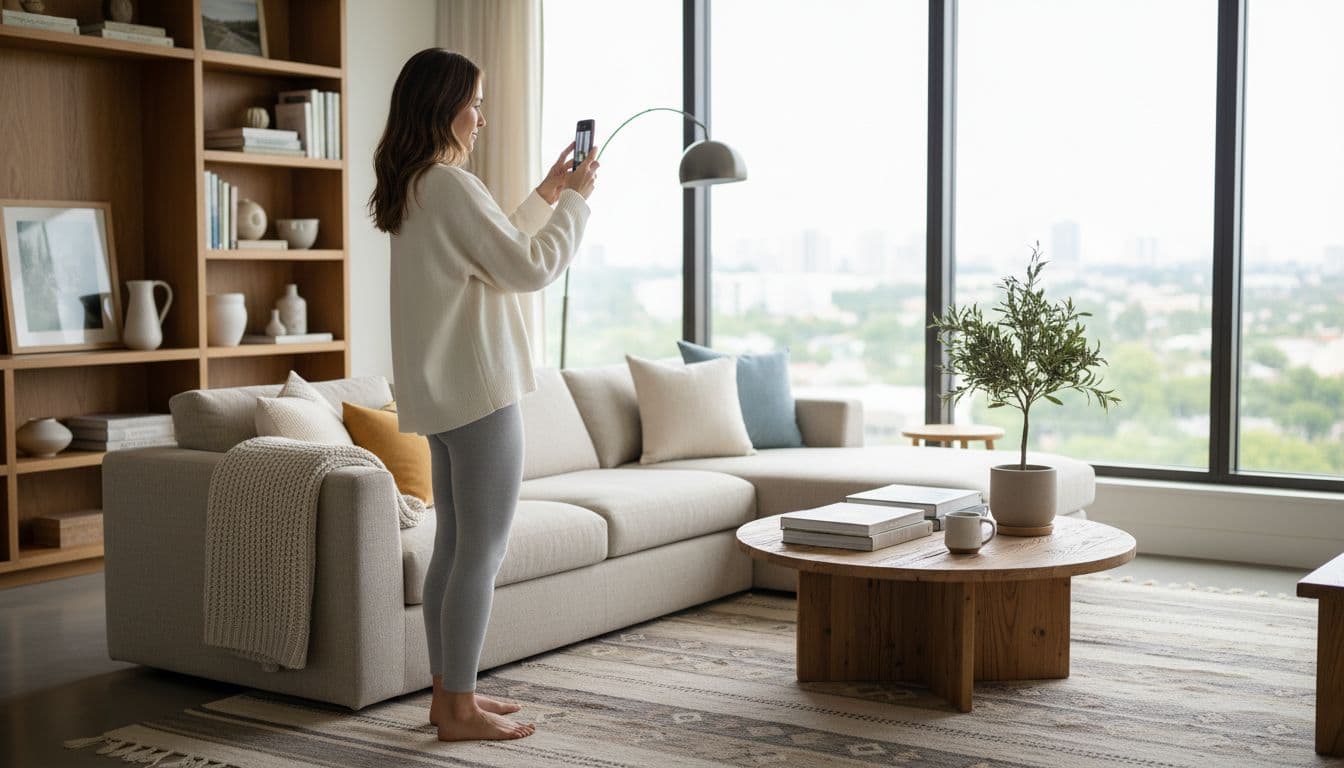

Design your room from a photo
DecorAI works as an AI home design app and an AI room design app. You can upload your real room photo and test different looks before you buy furniture or paint.
This saves time, reduces guesswork, and helps you feel sure about your choices.
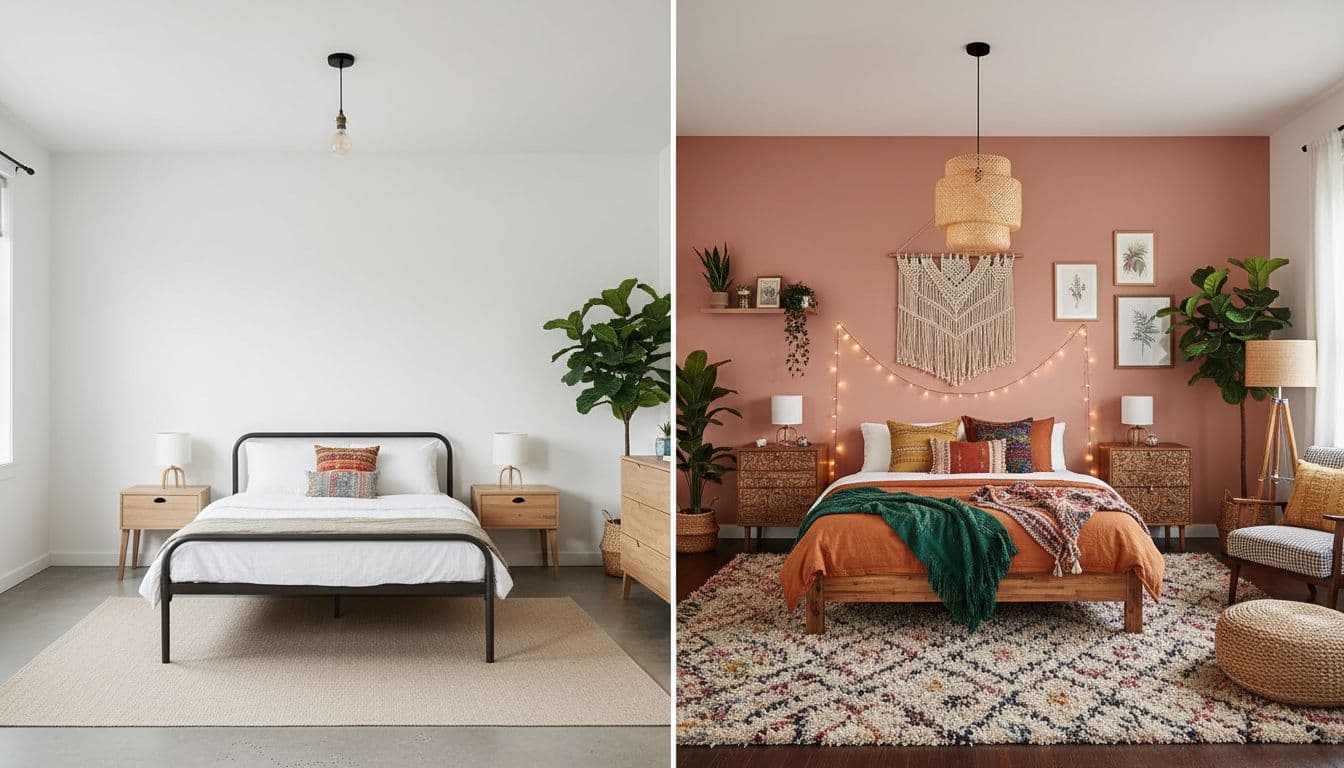
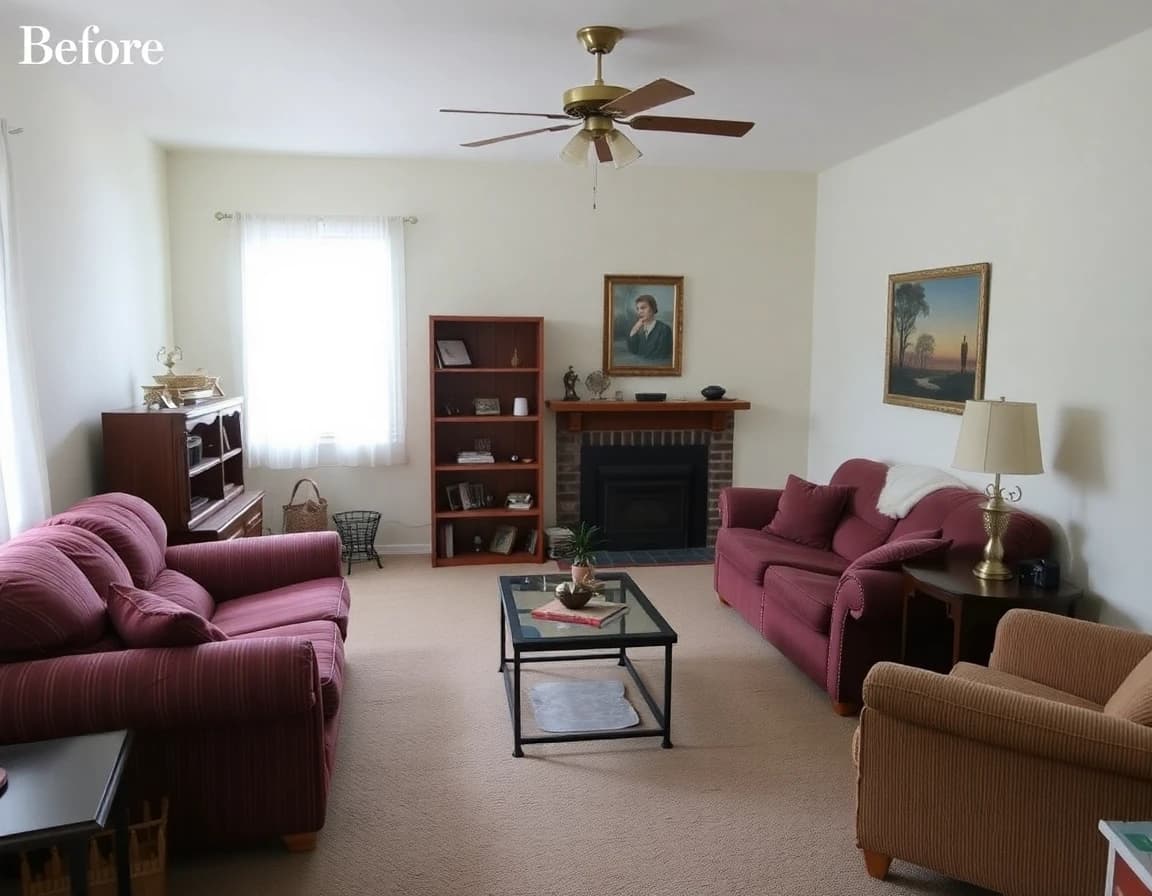
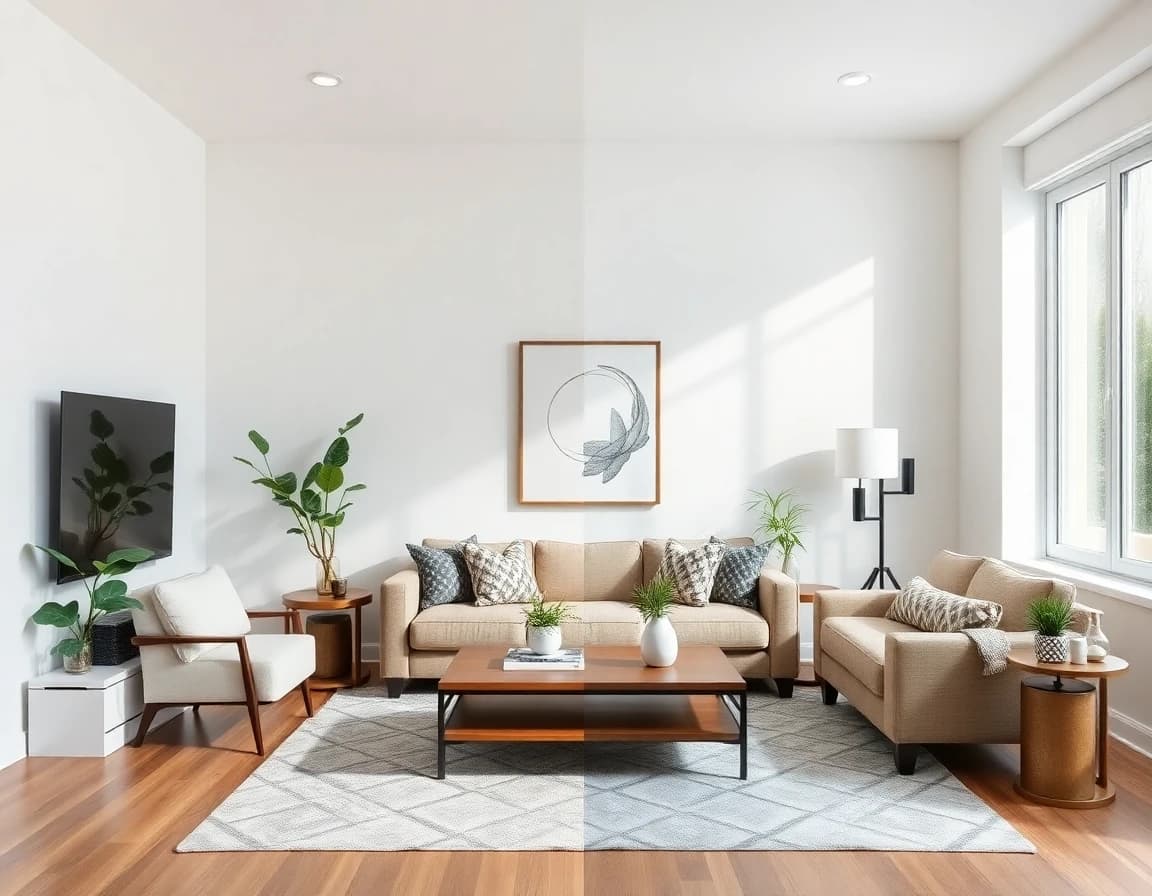
Before and after room transformations
See how one room can change from plain to beautiful with one photo and one style choice.
Before
After
Rooms you can redesign
DecorAI helps with everyday spaces in your home, big or small.
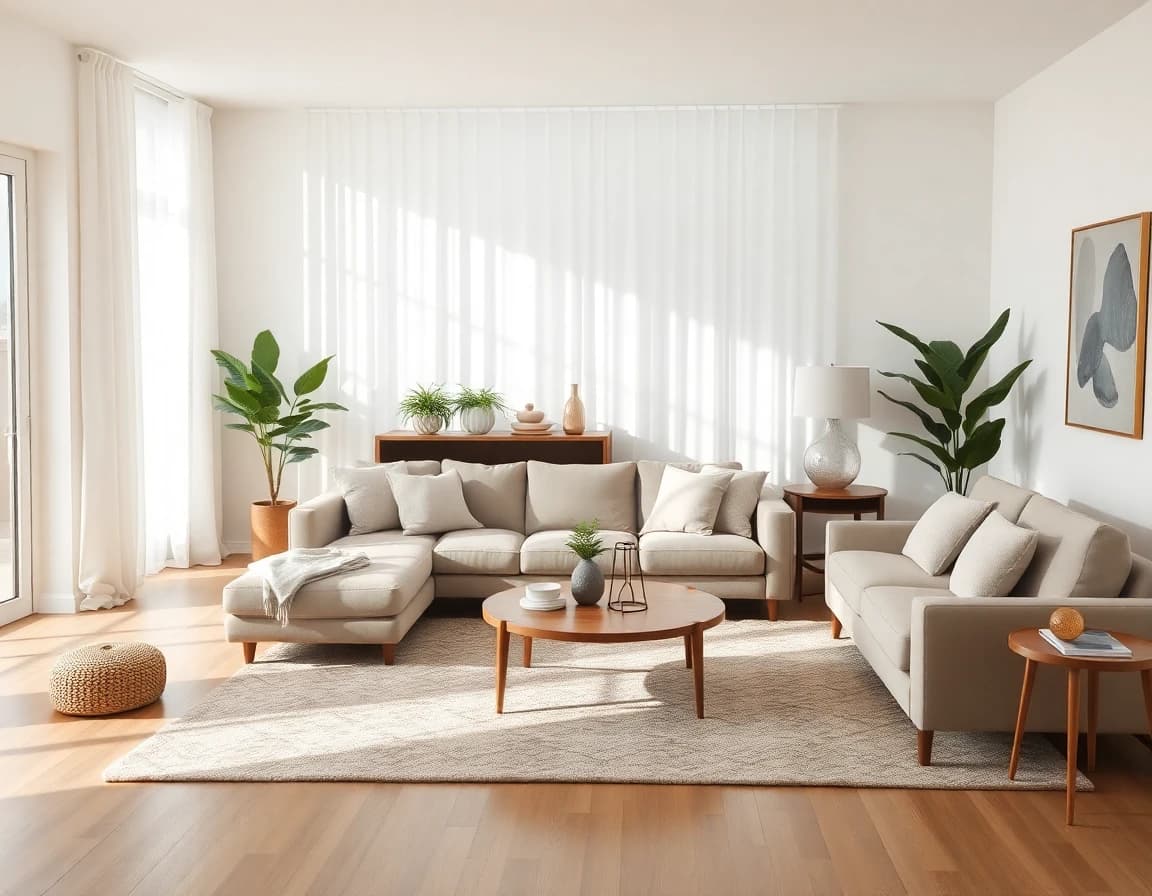
Living Room
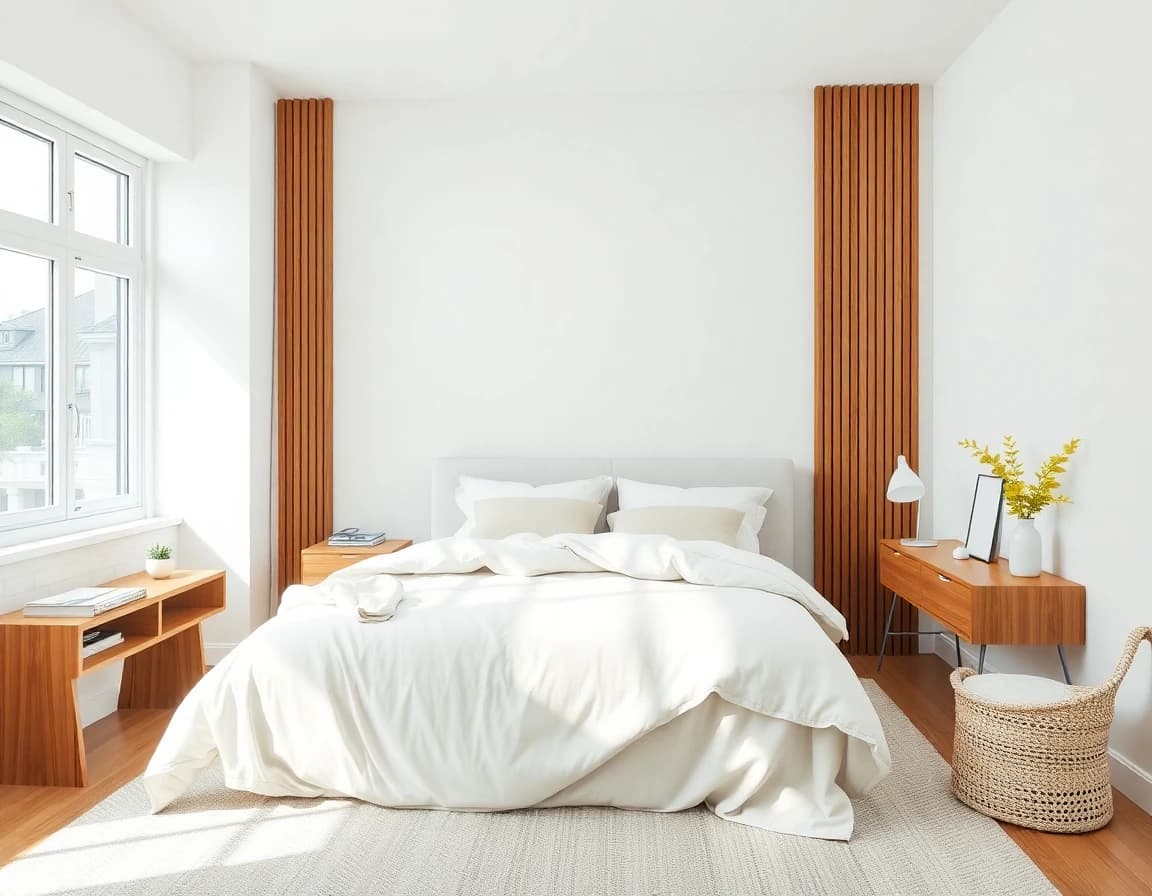
Bedroom
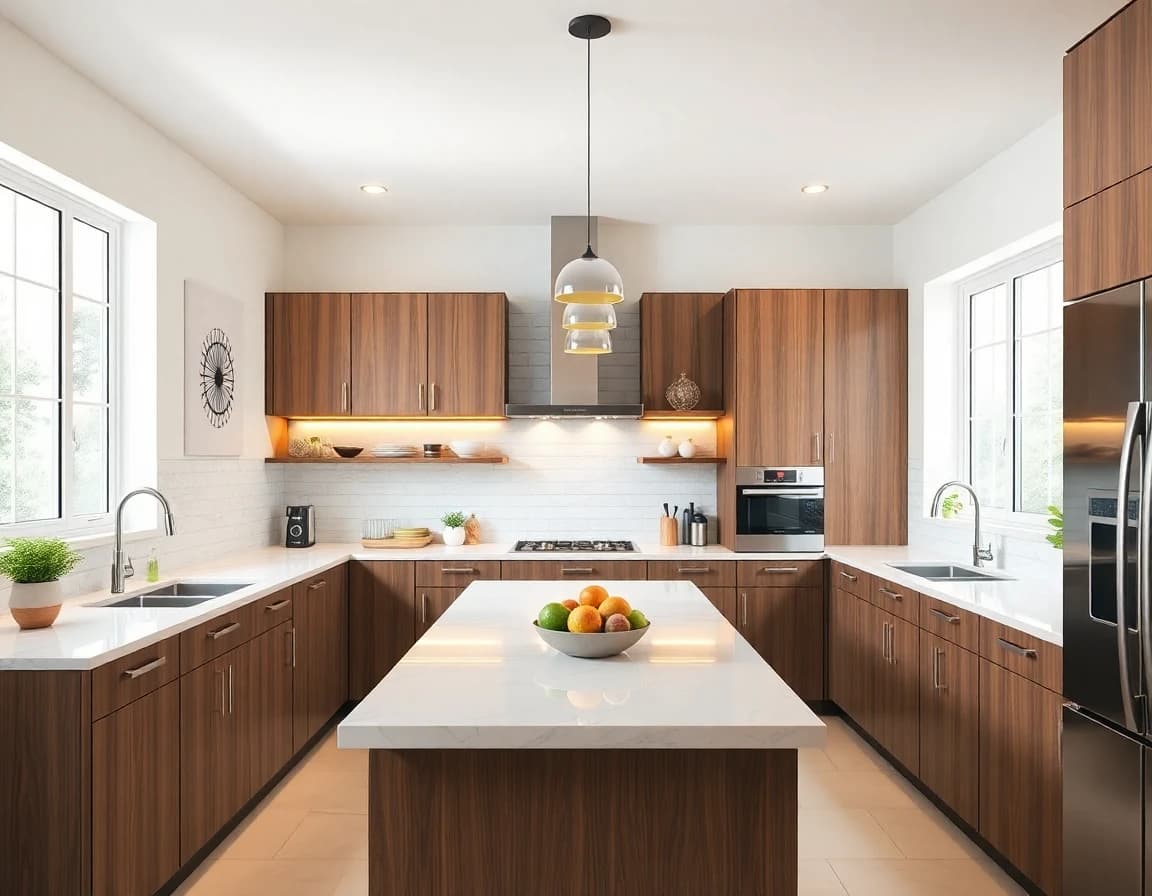
Kitchen
When to use a room makeover AI app
A room makeover AI app works best when you need quick decisions and clear visual direction. Here are common situations where this AI home design tool helps.
Planning a Room Refresh
Before you buy new furniture or paint, use the AI room makeover app to see which colors and styles work with your space. This saves you from expensive mistakes.
Moving to a New Home
Take photos of your empty rooms and test different furniture layouts. The room makeover app shows you how to arrange your space before you move heavy furniture.
Exploring Style Options
Not sure if you want modern, cozy, or minimalist? Our AI interior design tool lets you preview every style on your actual room so you can choose with confidence.
Getting Design Inspiration
Stuck on ideas? Upload your room photo and browse different looks. The AI room design app shows you possibilities you may not have thought of.
Preparing to Sell or Rent
Stage your property digitally with our room makeover AI tool. Show potential buyers or renters how beautiful the space can look without spending on physical staging.
Working with a Budget
See which changes make the biggest impact before you spend. The AI home design app helps you prioritize what matters most for your room.
Who this app is for
DecorAI is made for real life. If you want a beautiful home but do not want stress, this is for you.
- • Busy women planning a room refresh
- • Families moving into a new home
- • Renters who want easy decor ideas
- • Anyone who wants to see options before buying

Traditional design vs AI interior design
Both methods have value, but an AI interior design app offers speed and flexibility that traditional methods cannot match.
| AI Room Makeover App | Traditional Designer | |
|---|---|---|
| Time to Results | Seconds | Weeks to months |
| Starting Cost | Free to start | $500-$5,000+ |
| Style Options | Unlimited styles, unlimited changes | Limited by designer expertise |
| Real Room Preview | Yes, uses your actual photos | Sketches or mood boards |
| Experience Needed | None | Must explain your vision clearly |
| Best For | Quick ideas, budget planning, DIY projects | Full renovations, custom work |
Bottom line: Use an AI room design app when you want fast, affordable options for everyday rooms. Work with a traditional designer when you need custom solutions for complex renovations.
Explore design styles
From modern minimalist to cozy bohemian, the AI interior design app offers endless style options to match your taste.
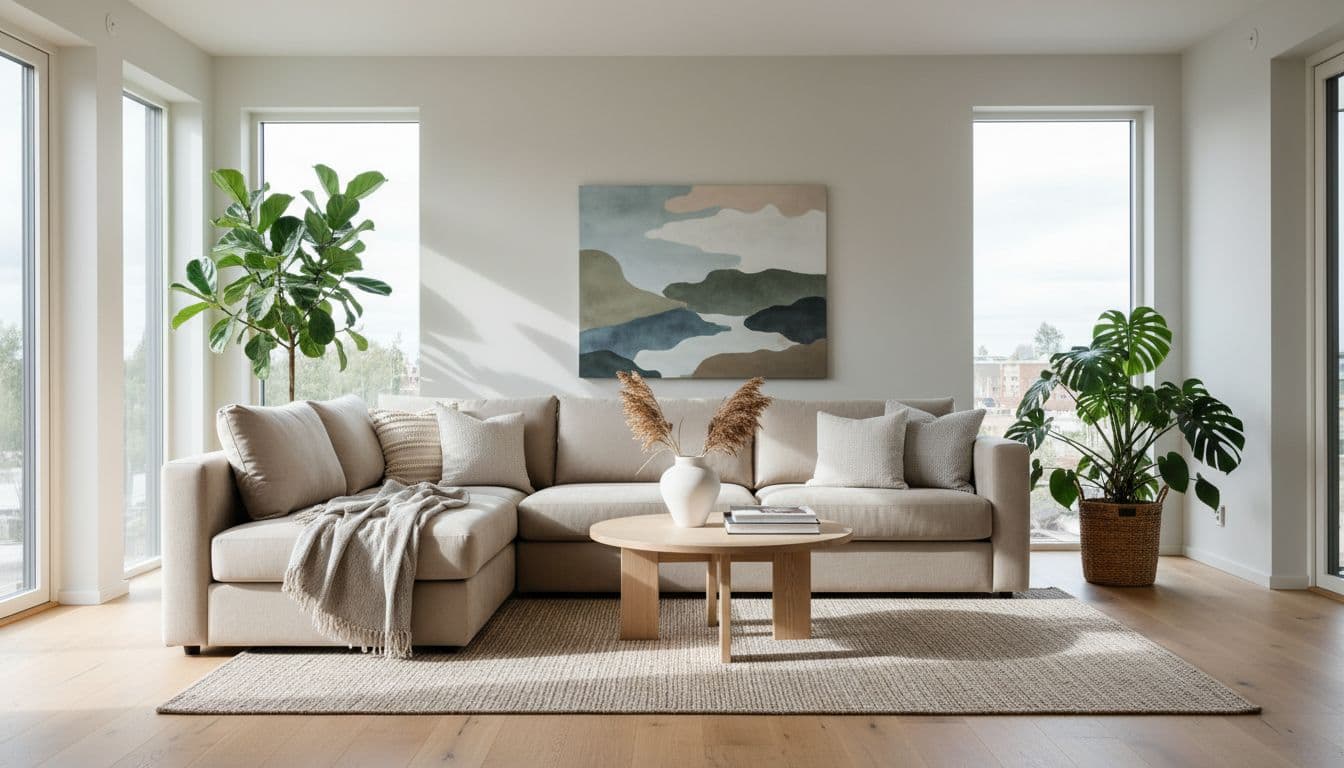
Modern Scandinavian
Clean lines, natural light, minimalist aesthetic
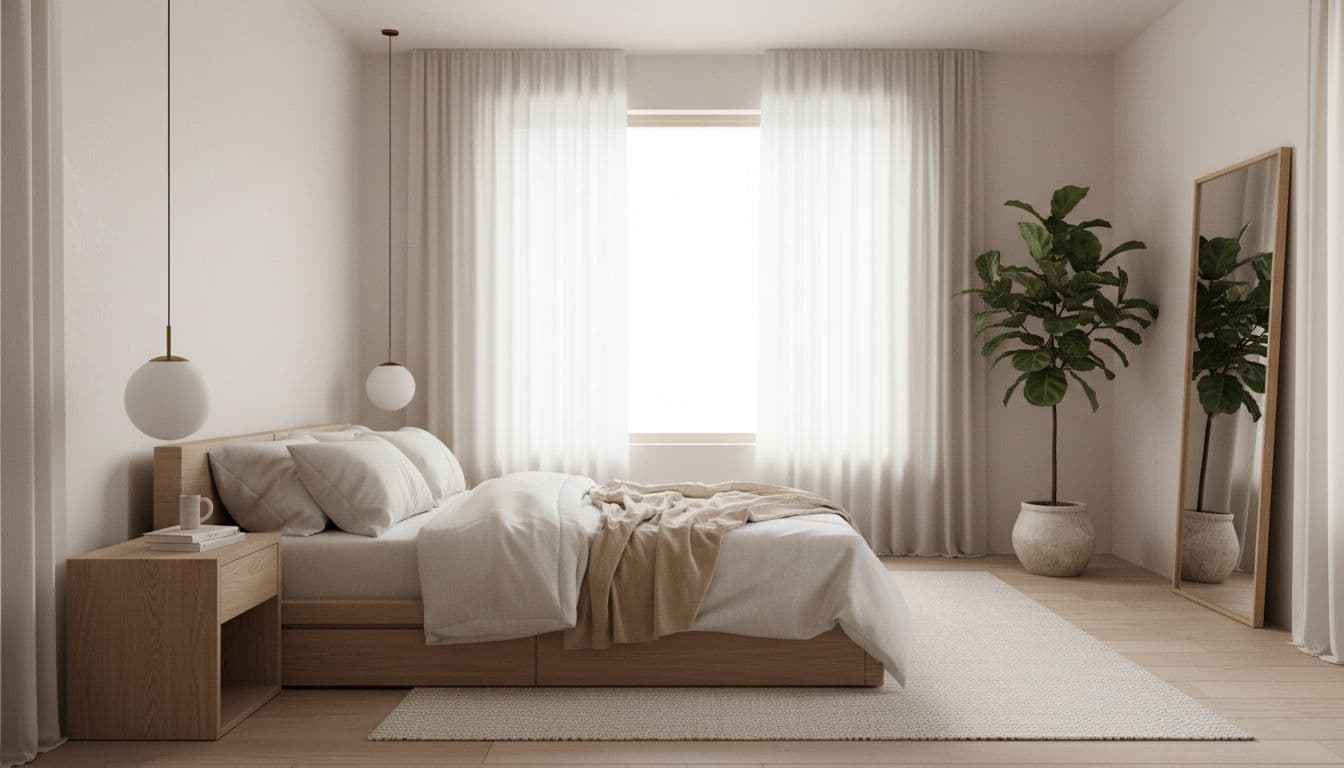
Cozy Minimalist
Warm tones, peaceful atmosphere, simple elegance
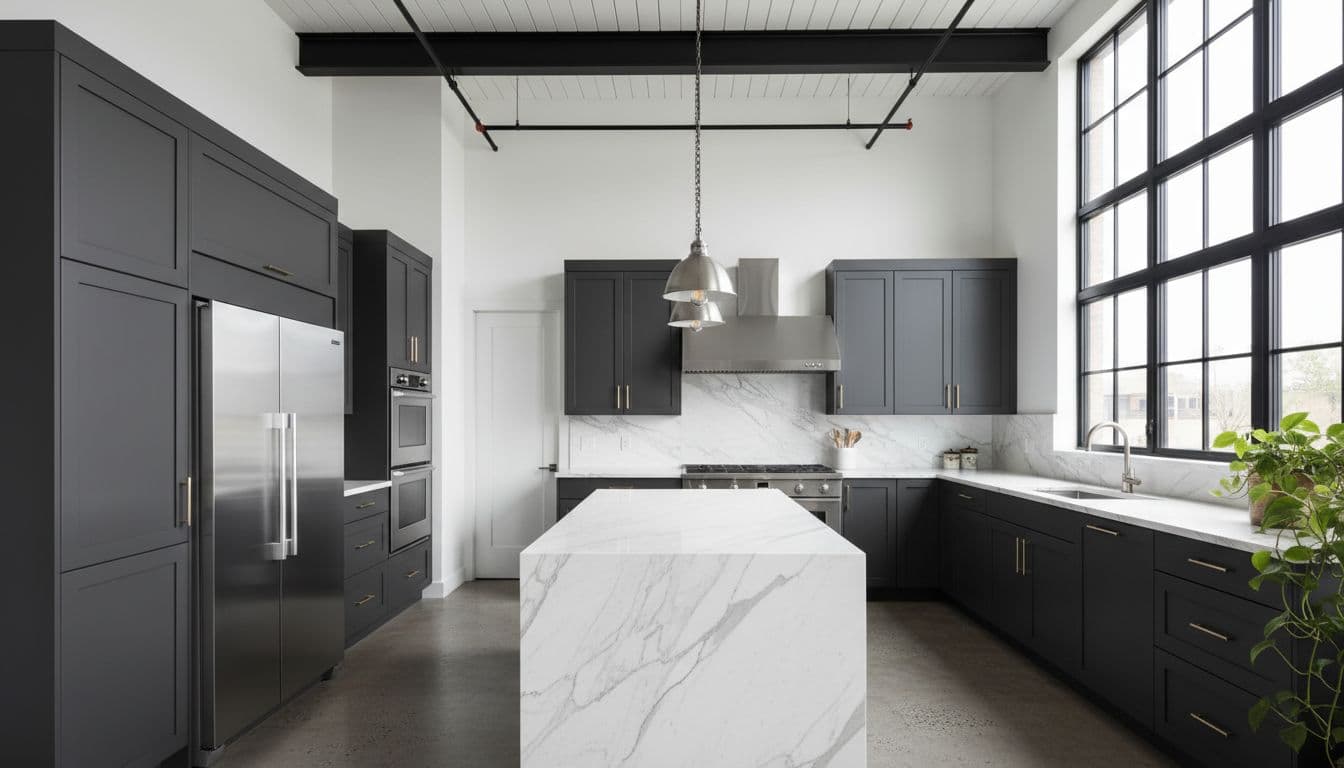
Industrial Modern
Bold materials, sleek design, urban sophistication
Key features of our AI room design app
DecorAI includes everything you need to plan your room makeover from start to finish.
Photo Upload & Preview
Upload photos from your phone or computer. The room makeover app works with any standard photo format. No special camera or lighting required.
Multiple Design Styles
Choose from modern, minimalist, cozy, industrial, coastal, farmhouse, and many more. Each AI room makeover shows realistic furniture and decor in your chosen style.
Before & After Comparisons
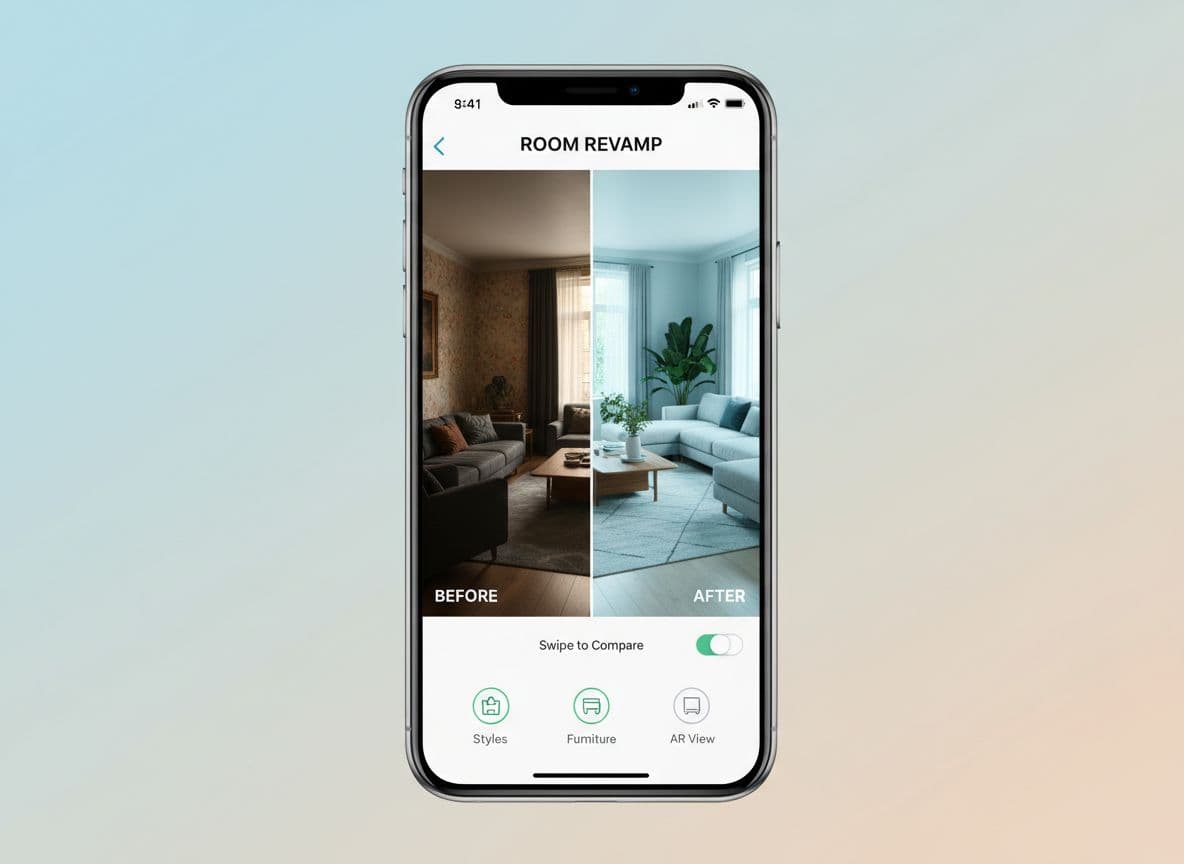
View your original room photo next to the redesigned version. This helps you see exactly what will change and makes decisions easier.
Save & Share Designs
Save your favorite AI interior design results and share them with family, friends, or contractors. All your designs stay in one place.
Works on All Devices
Use the AI home design app on iPhone, Android, or any web browser. Start on your phone and continue on your computer.
Instant Results
No waiting days for design concepts. The room makeover AI generates realistic room designs in seconds, so you can try multiple options quickly.
Getting started with AI home design
Your first AI home design project takes less than five minutes. Here is exactly how to start.
Download or Open the App
Get DecorAI from the App Store, Google Play, or open it in your browser. The AI room makeover app works the same way on all platforms.
Take or Choose a Room Photo
Use your phone camera or select an existing photo. Make sure the photo shows most of the room so the room makeover app can create an accurate design.
Pro tip:
Take the photo from a corner of the room to capture as much space as possible. Good lighting helps too.
Select Your Design Style
Browse the style gallery and tap the one you like. Not sure? Start with "Modern" or "Cozy" and try others later. The AI room design tool lets you test every style.
View Your Makeover
Wait a few seconds while the room makeover AI creates your design. You will see your room transformed with new furniture, colors, and decor in your chosen style.
Save, Share, or Try Again
Love it? Save the design. Want to see other options? Try a different style. The AI interior design app makes it easy to explore until you find the perfect look.
That is it. Most people create their first AI home design in under three minutes. You can redesign as many rooms as you want and try as many styles as you like.
Simple and intuitive interface
The room makeover app is designed to be easy for everyone. No complicated menus or confusing options—just upload, choose, and see your results.
- • Clear, simple interface that anyone can use
- • Instant preview of your design choices
- • Save unlimited designs to your library
- • Share designs with family or friends easily
Tips for using your AI room makeover app
Get the most from your AI room makeover experience with these simple tips. Following these suggestions helps the app create better, more realistic designs.
Take photos in good lighting
Natural daylight works best. Turn on overhead lights if needed. The room makeover app creates better results when it can see your room clearly.
Capture the whole room
Stand in a corner and photograph as much of the room as possible. This helps the AI interior design app understand your space and create accurate layouts.
Start with clean spaces
Clear away clutter before taking photos. The room makeover AI focuses on furniture and decor, so a tidy room produces cleaner results.
Try multiple styles
Do not settle on your first design. The AI room design app lets you try every style instantly. Compare modern, cozy, and minimalist to see which fits best.
Save your favorites
The AI home design app saves all your designs. Keep several options and compare them later. This makes it easier to decide which direction to take.
Use designs as shopping guides
Take your room makeover app designs with you when furniture shopping. Show them to store staff or use them to match colors and styles when buying online.
Common questions about AI interior design
New to AI interior design? Here are answers to questions we hear often from people using the room makeover AI app for the first time.
Will the AI room makeover look like my actual room?
Yes. The AI room makeover app uses your photo as the base. The room layout, window positions, and size stay the same. The app changes furniture, colors, and decor to match your chosen style.
Can I use old photos of my room?
Yes. The room makeover app works with any clear room photo, new or old. As long as the photo shows most of the room and has decent lighting, it will work.
How is AI room design different from templates?
Templates show generic rooms. AI room design creates a custom design based on your actual space. The result fits your room dimensions, lighting, and layout instead of using a one-size-fits-all approach.
Can the AI home design app work with empty rooms?
Yes. Empty rooms work perfectly. The AI home design app adds furniture and decor to show you how the space can look when furnished. This is helpful when moving or planning a new space.
What if I do not like any of the styles?
Try a few different styles. The room makeover AI offers modern, minimalist, cozy, industrial, coastal, farmhouse, and many more. Most people find at least two or three styles they like after trying several options.
Frequently asked questions
Clear answers to common questions about our AI home decorating app.
What is an AI room makeover app?+
An AI room makeover app uses technology to redesign your room from a photo. DecorAI is an AI room makeover app that lets you upload a photo of your room and instantly generate realistic before and after interior design ideas. It shows you what your space could look like in different styles without hiring a designer.
How does a room makeover app work?+
A room makeover app takes your room photo and applies different design styles to it. You upload a photo, pick a style like modern or cozy, and the app creates a new version of your room with updated furniture, colors, and decor.
Is there a free AI interior design app?+
Yes. DecorAI offers free options to try AI interior design. You can upload photos and generate room designs without paying upfront. Some features may require credits, but you can start for free.
Can I redesign my room from a photo?+
Yes. Take one photo of your room, choose a style, and see your room transformed in seconds. The AI room design app works with any standard room photo from your phone or camera.
What rooms can I redesign with AI home design?+
You can redesign living rooms, bedrooms, kitchens, bathrooms, home offices, kids rooms, dining rooms, guest rooms, and more. The AI home design app works with any indoor space.
Do I need design experience to use a room makeover AI app?+
No. The room makeover AI app is beginner-friendly and simple to use. You do not need any design skills or training. Just upload a photo and pick a style.
Can I use the AI room design app on my phone?+
Yes. You can use DecorAI on iPhone, Android, and web browsers. The AI room design app works the same way on all devices, so you can start on your phone and continue on your computer.
How fast does the AI interior design app create designs?+
The AI interior design app generates room designs in seconds. Most designs are ready in under 10 seconds after you select your style.
Can I try different styles for the same room?+
Yes. Upload your room photo once and try as many styles as you want. The room makeover app saves your original photo so you can test modern, minimalist, cozy, industrial, and other styles quickly.
Is AI home design realistic enough to use for planning?+
Yes. The AI home design results show realistic furniture, colors, and layouts. Many users save these designs and use them as references when shopping for furniture or choosing paint colors.
 DecorAI
Ready to see your room makeover?
DecorAI is an AI room makeover app that lets you upload a photo of your room and instantly generate realistic before and after interior design ideas. Start now with the app that makes home design feel easy.
Join thousands of happy homeowners
Women everywhere use the AI home design app to transform their spaces and bring their vision to life.